ㅤ
Warning
Migration from 1K to 2K banner dimensions.
ㅤ
Several updates have been made to the sections below, with the main change being the transition from 1K to 2K dimensions.
Please take this change into account and ensure that all future data is delivered exclusively in the new dimensions.
Applies to the following:
- Technical parameters
– update in the section “Options for delivering documents,” point 3: exports from the partner are required exclusively in PNG format. - Banner sizes, dimensions and format, PSD example, circle labels
– all assets updated to 2K resolution.
Technical parameters
Quick view of requirements
- Banners must be delivered in two sizes – for desktop and mobile devices
- If the materials are delivered as open data, we only accept PSD format
- Other formats (e.g. AI, INDD) are not accepted
- Layers and texts in PSD files must be fully editable
- Color Mode RGB
Options for delivering documents
There are three options for delivering graphic materials:
- Delivery of only the graphic part in JPG/PNG format (depending on the selected variant). The text will be inserted into the graphic on our side using our internal font and following our design guidelines.
- Delivery of an editable PSD file in the dimensions of the entire banner, with a reserved space for text. Please do not allow any graphics to interfere with the text space (an exception may be a simple background that does not interfere with the readability of the text).
- Delivery of complete exports by the partner must be in PNG format and prepared in accordance with the manual’s guidelines, with particular attention to minimum text sizes.
In all cases, it is necessary to adhere to the minimum font size, maximum text length and correct file format; documents that do not meet these criteria will be returned for re-editing.
| Banner type | Image sizes | Total banner size |
|---|---|---|
| Desktop version A | 1380×680 px | 2070×680 px |
| Desktop version B | (2×) 690×680 px | 2070×680 px |
| Mobil version | 768×680 px | 1536×680 px |
Dimensions and format
General information
- Our graphic designers only edit the text part. All graphic adjustments are made by the partner.
- It is possible to arrange banners in thirds or halves, as long as the readability of the text is not impaired.
Desktop version A
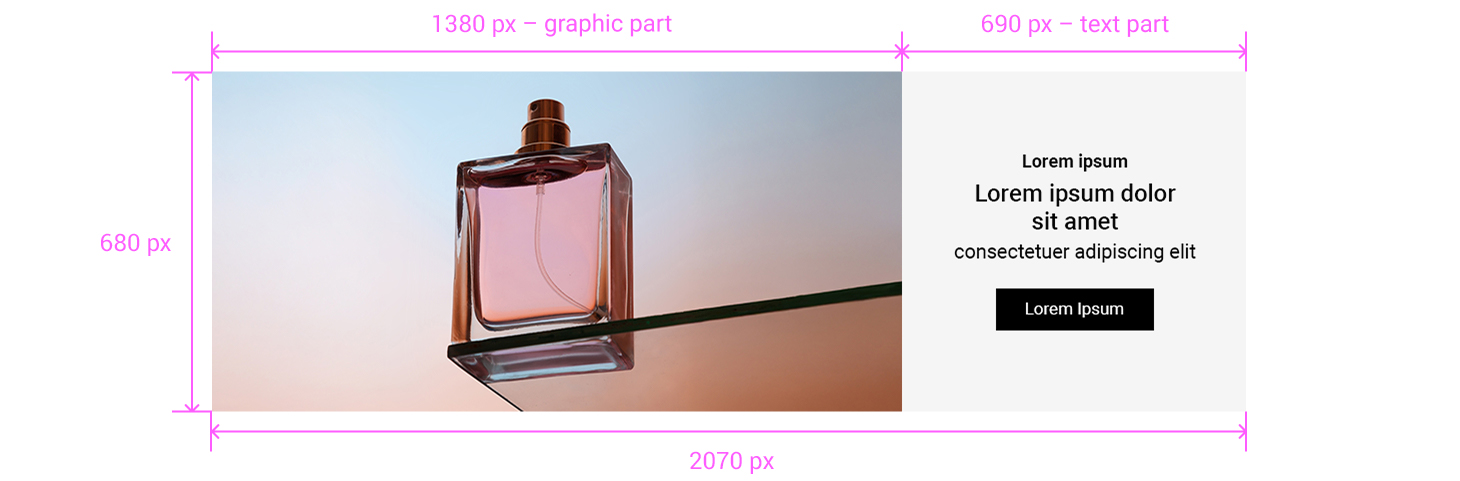
We localize the right third of the banner (text part).
Desktop version B
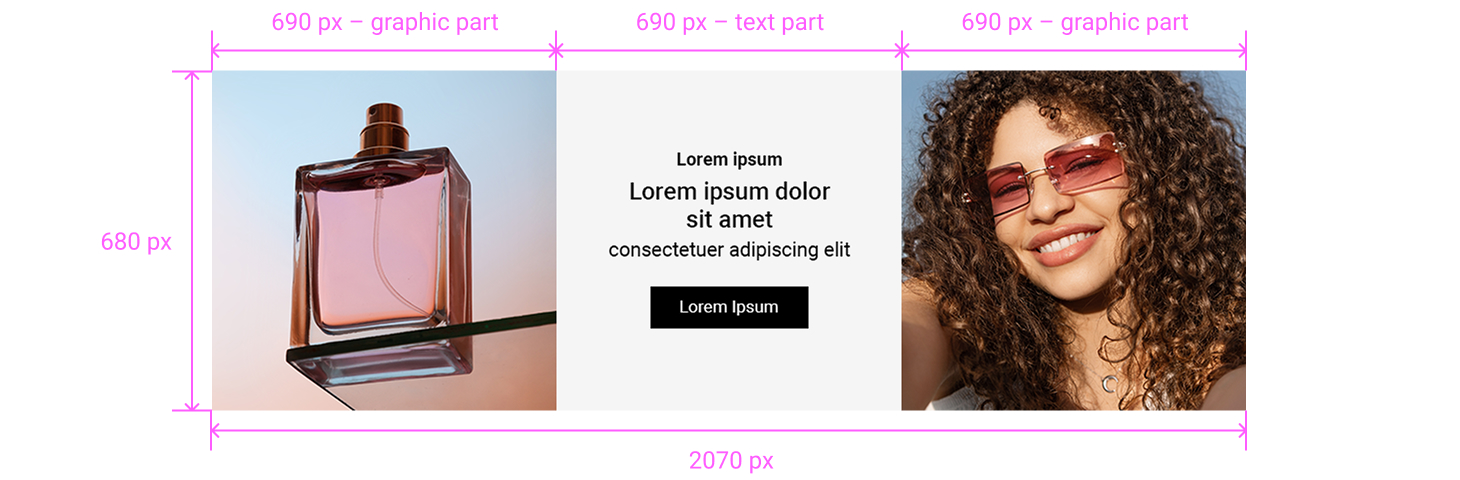
We localize the middle third of the banner (text part).
Mobile version
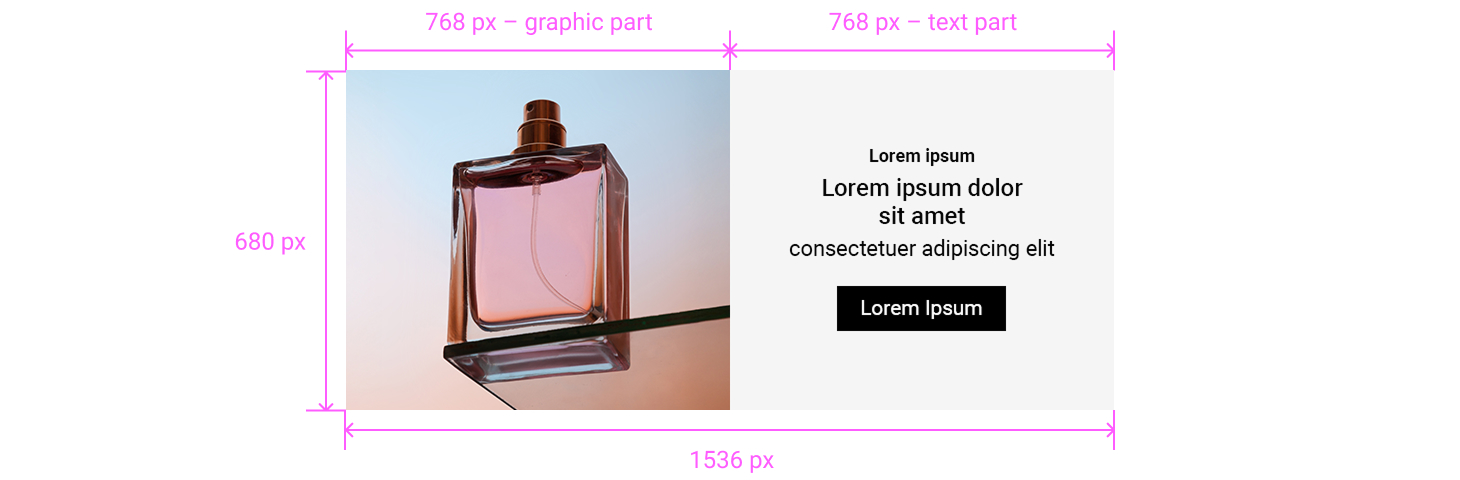
We localize the right half of the banner (text part).
PSD example
We have prepared an example of banners in PSD format for download. You can use the file as a template or it can serve as a demonstration of how the banner will look after our modification.
Note
The PSD file contains two possible versions of desktop banners and one universal mobile banner.
Download banner example file
partner-banners-example.psd | 68.19 MB
Text sizes
Our default font for texts is Roboto typeface family, which we use in case the partner does not provide the font, or if the supplied font does not support some languages.
In case of using your own font, it is necessary to provide the font file (.ttf, .otf) together with the banner data.
Warning
The font provided must have an appropriate license and the partner is obliged to grant us the right to use it. If this is not the case, we offer the use of our internal font Roboto.
| Text part of the banner | Desktop | Mobile |
|---|---|---|
| Minimum banner text size | 28 px | 32 px |
| Button height | 84 px | 90 px |
| Minimum button text size | 24 px | 30 px |
| Text size for legal | 12 px | 12 px |
Length of texts
The text must not exceed the maximum number of characters according to the table.
Due to localizations and different word lengths in individual languages, it may not be possible to place the text in the reserved space without reducing its size, which could negatively affect the readability of the banner.
Warning
If the texts you submit exceed the limit of 120 characters (excluding buttons), we will have to return it for rewriting.
| Part of the text | Max. length with spaces |
|---|---|
| Banner text content (headline, description, code) | 120 characters |
| Button (CTA) | 20 characters |
| Terms and Conditions text | 100 characters |
Adding elements to graphics
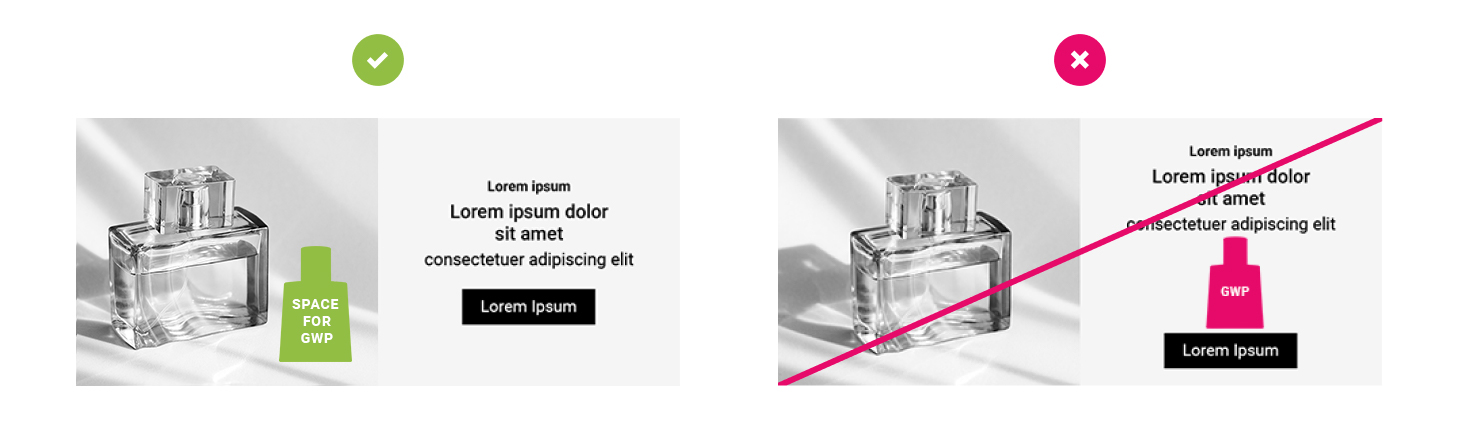
We offer the option to insert a circle label and gifts on banners, but only in the graphic part with designated space from the partner side.
Warning
If the graphic does not have a dedicated space, we will require you to deliver the assets already including the implemented label, gift, or other promotional element.
Types of circular labels
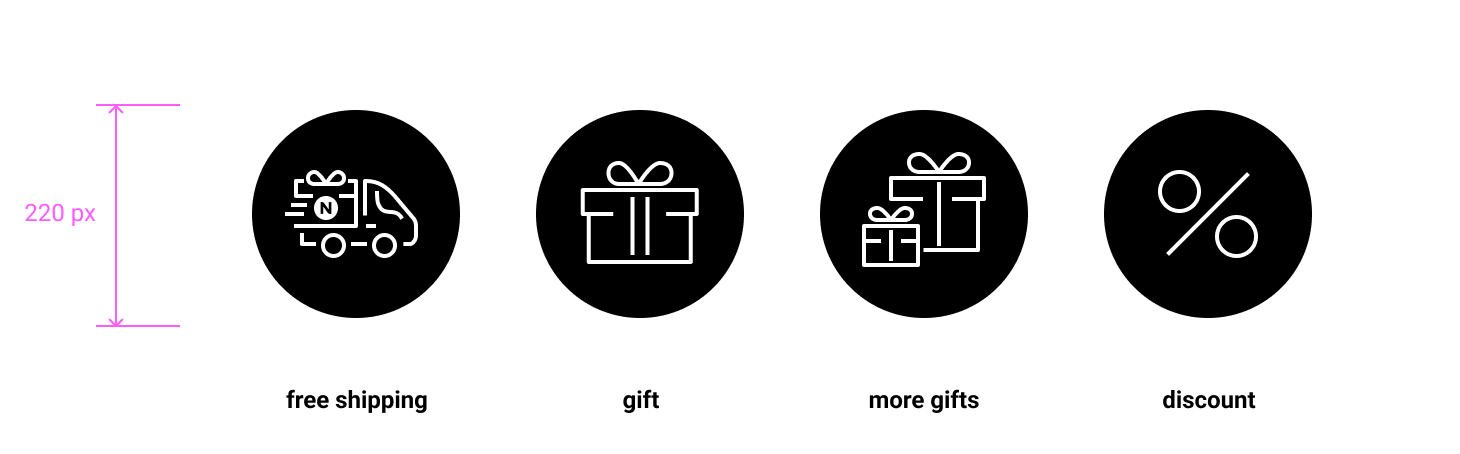
Designated space for gifts
Do's
Previews of banners that meet all criteria and represent ideal variants.
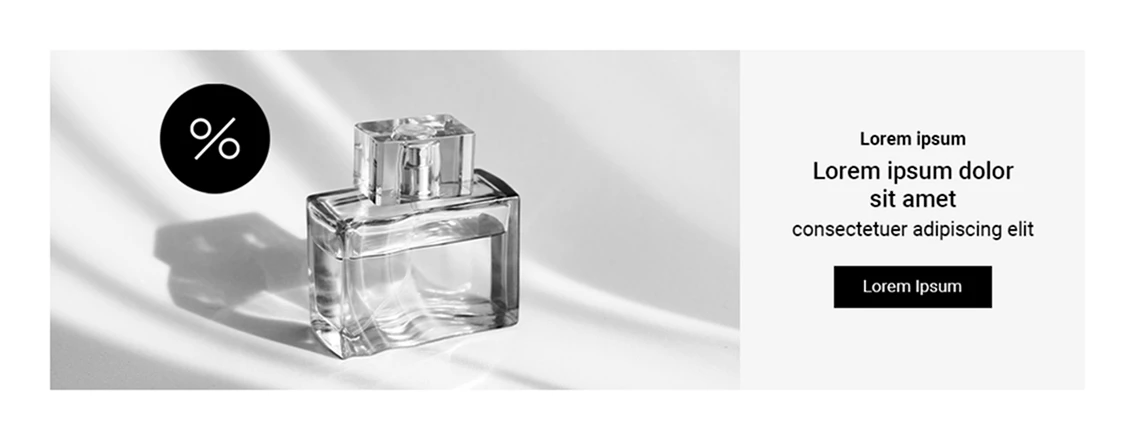
Desktop version A
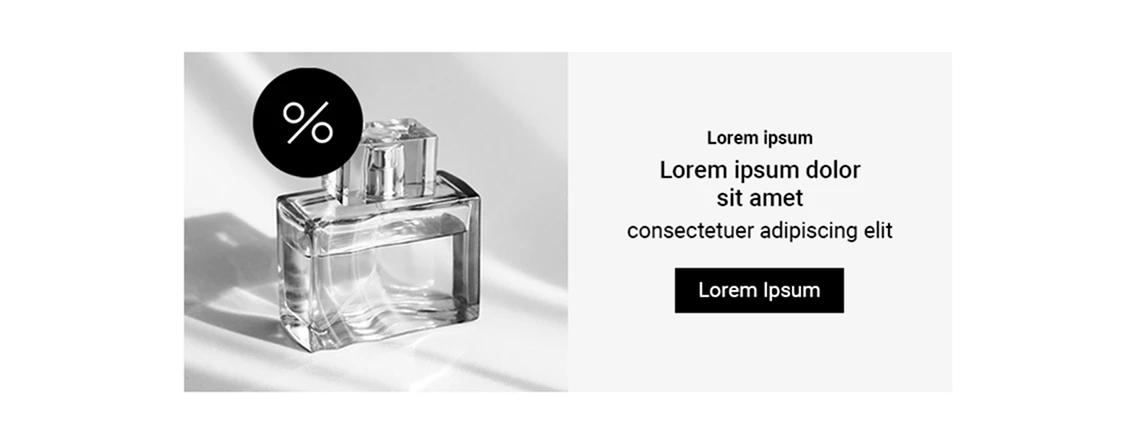
Mobile version
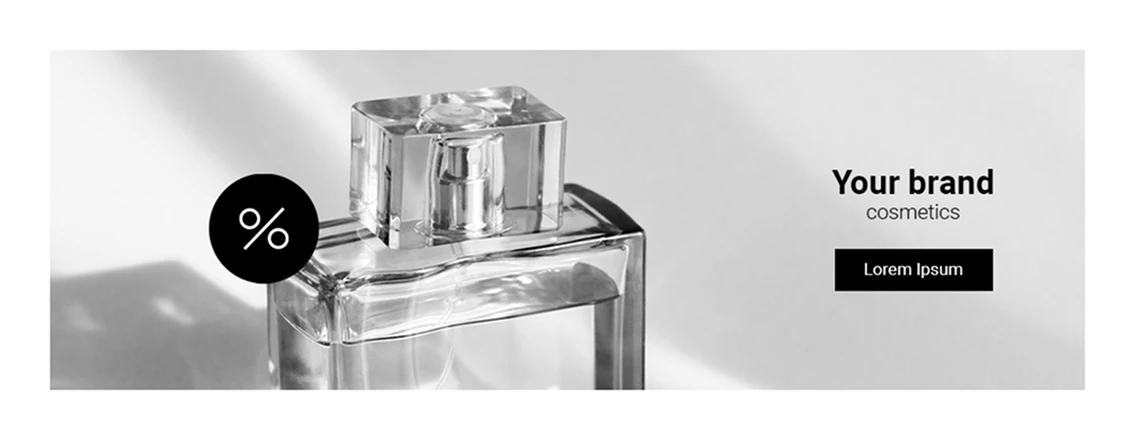
Desktop version with simple background that does not interfere with the readability of the text.
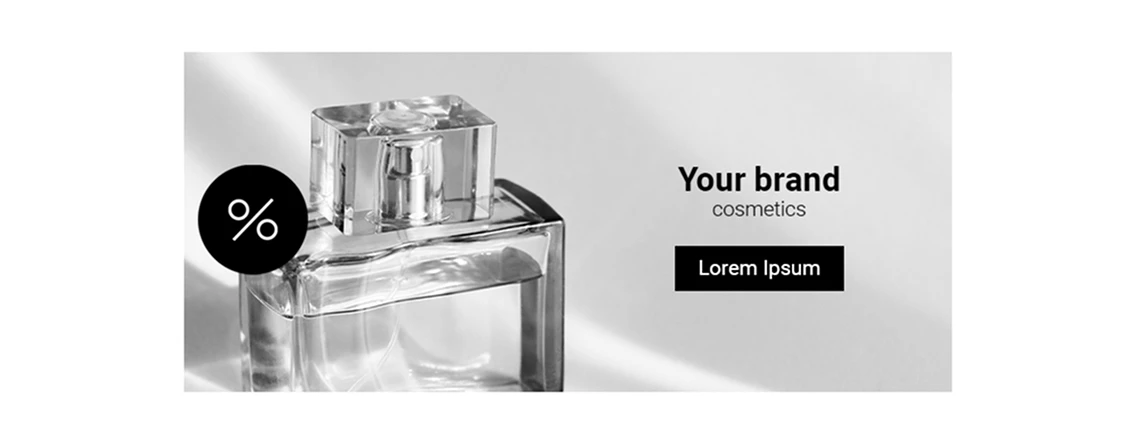
Mobile version with simple background that does not interfere with the readability of the text.
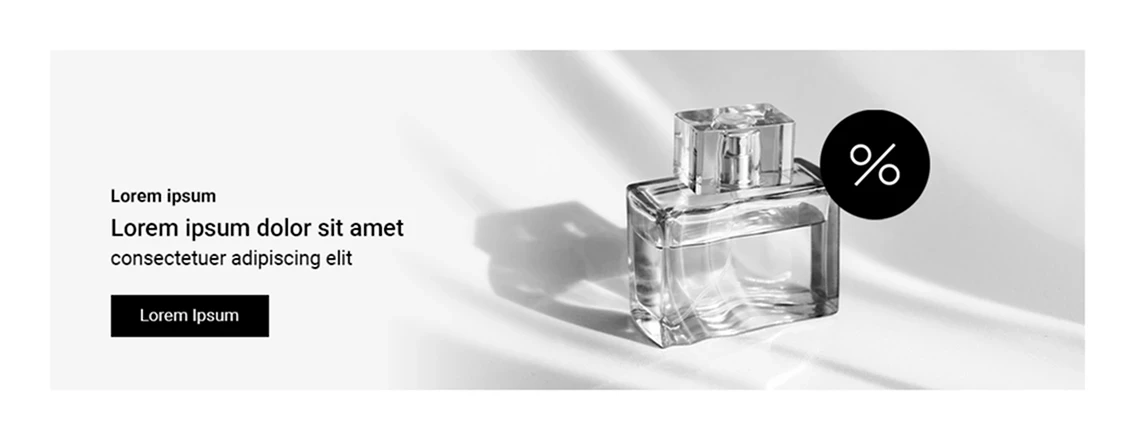
Desktop version with simple background that does not interfere with the readability of the text.
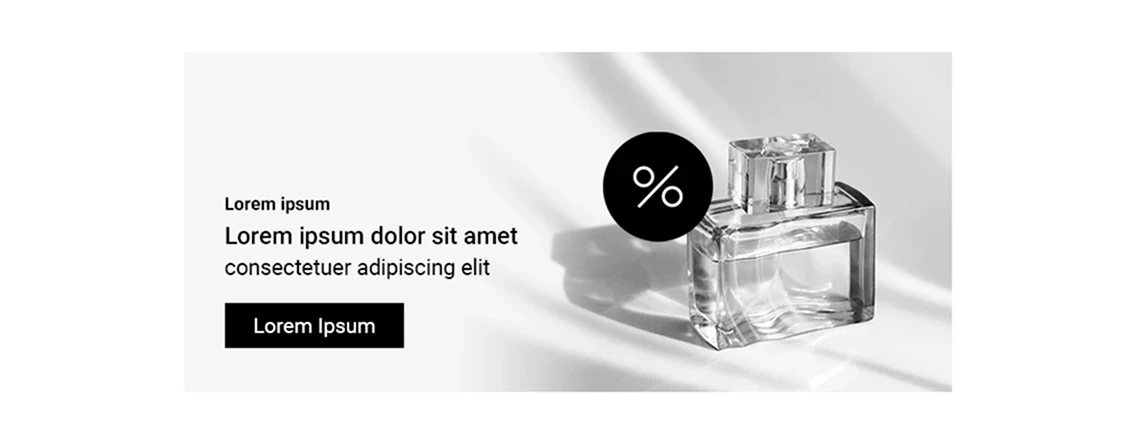
Mobile version with simple background that does not interfere with the readability of the text.
- Minimum text sizes are used
- Text is readable and has its own space for localization
- Graphic part does not contain texts
Dont's
Previews of banners that do not meet the criteria.
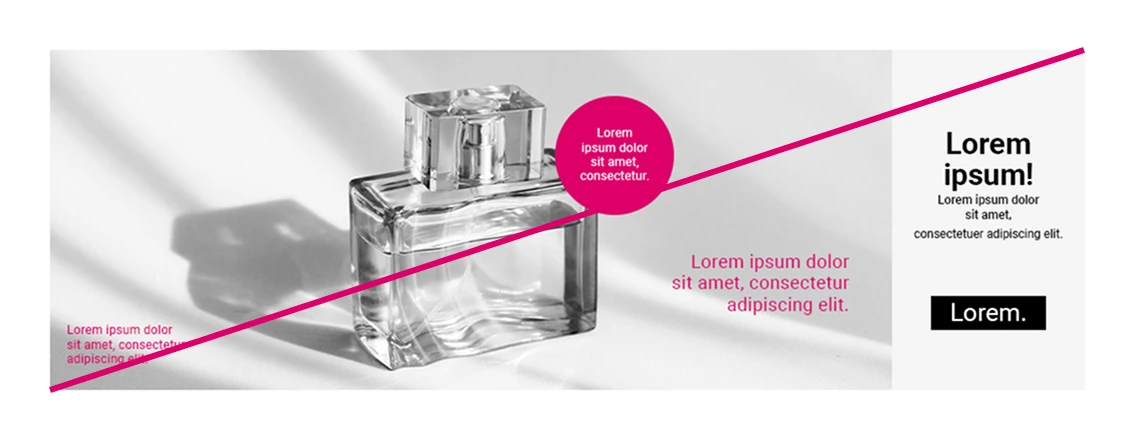
Smaller text sizes than the minimum (poor readability) and the graphic part contains text (we will not localize the pink highlighted text).
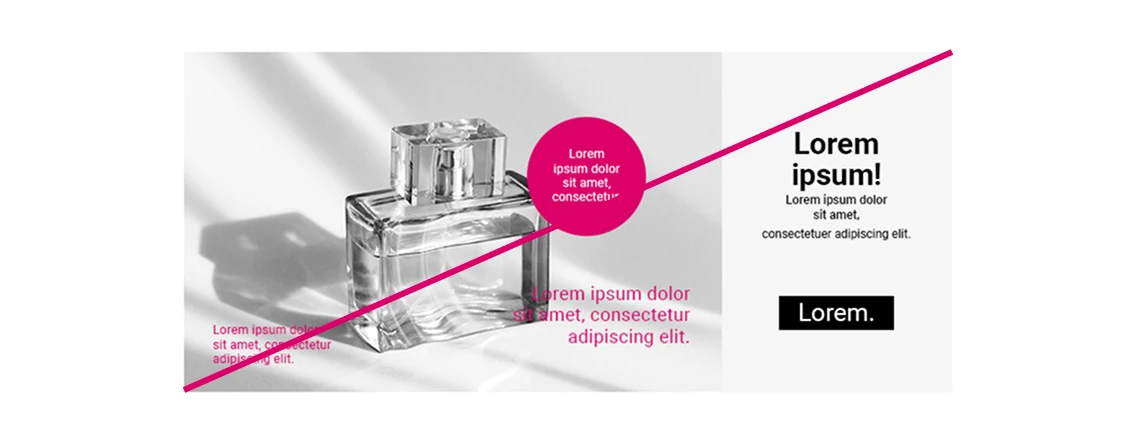
Smaller text sizes than the minimum (poor readability) and the graphic part contains texts (we will not localize the pink highlighted text).
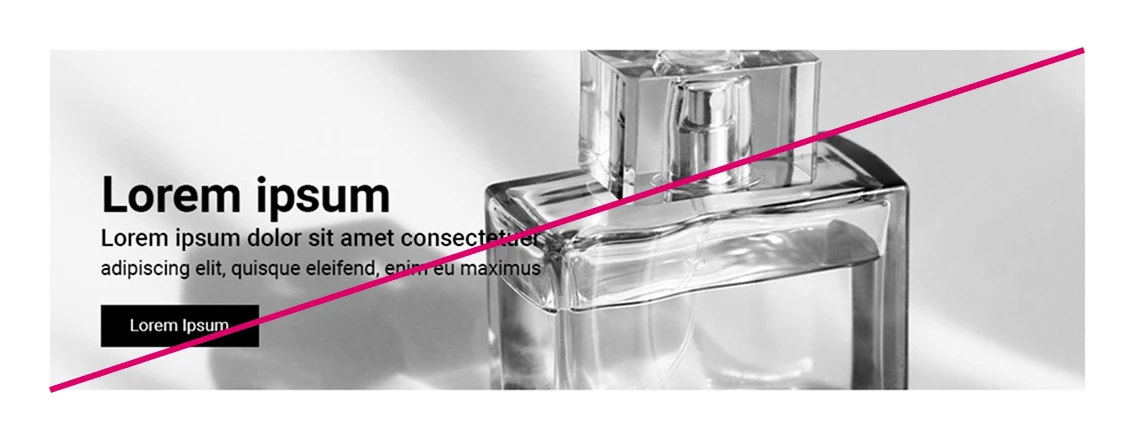
The text interferes with the graphic part, which affects its readability.
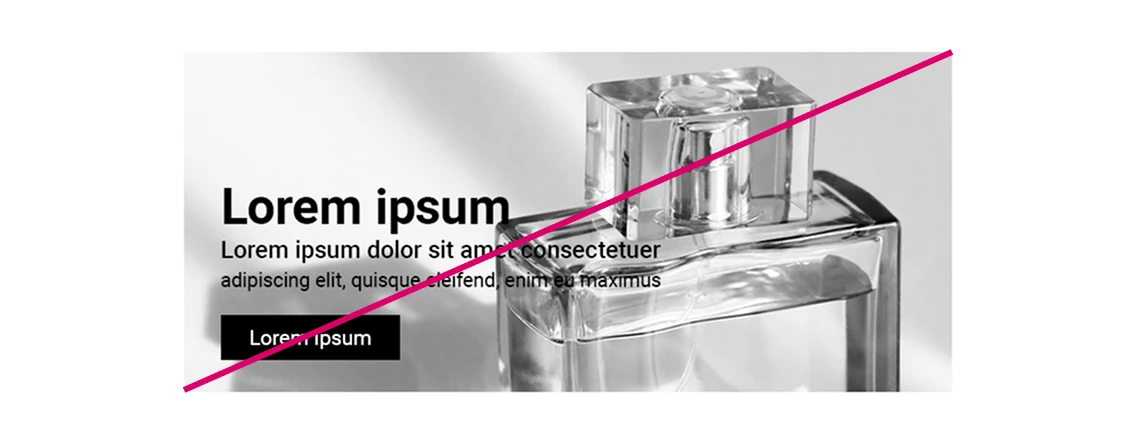
The text interferes with the graphic part, which affects its readability.